A simple meeting timer and tracker for Google Meet, Zoom and Teams.
Free Chrome extension. No account needed to start a timer.
On track · Weekly 1:1, ends 11:00
How it works
Join your call on Google Meet, Zoom or Teams. Onkyoo detects the meeting for you.
Set how long it should take. A progress bar shows time elapsed and time remaining.
Every meeting you track is remembered, so you can see where your time actually went.
Meeting history
Onkyoo recognises when a meeting repeats and groups it automatically, so there is no tagging and no setup. A flat log tells you what happened, whereas a pattern tells you what to change.
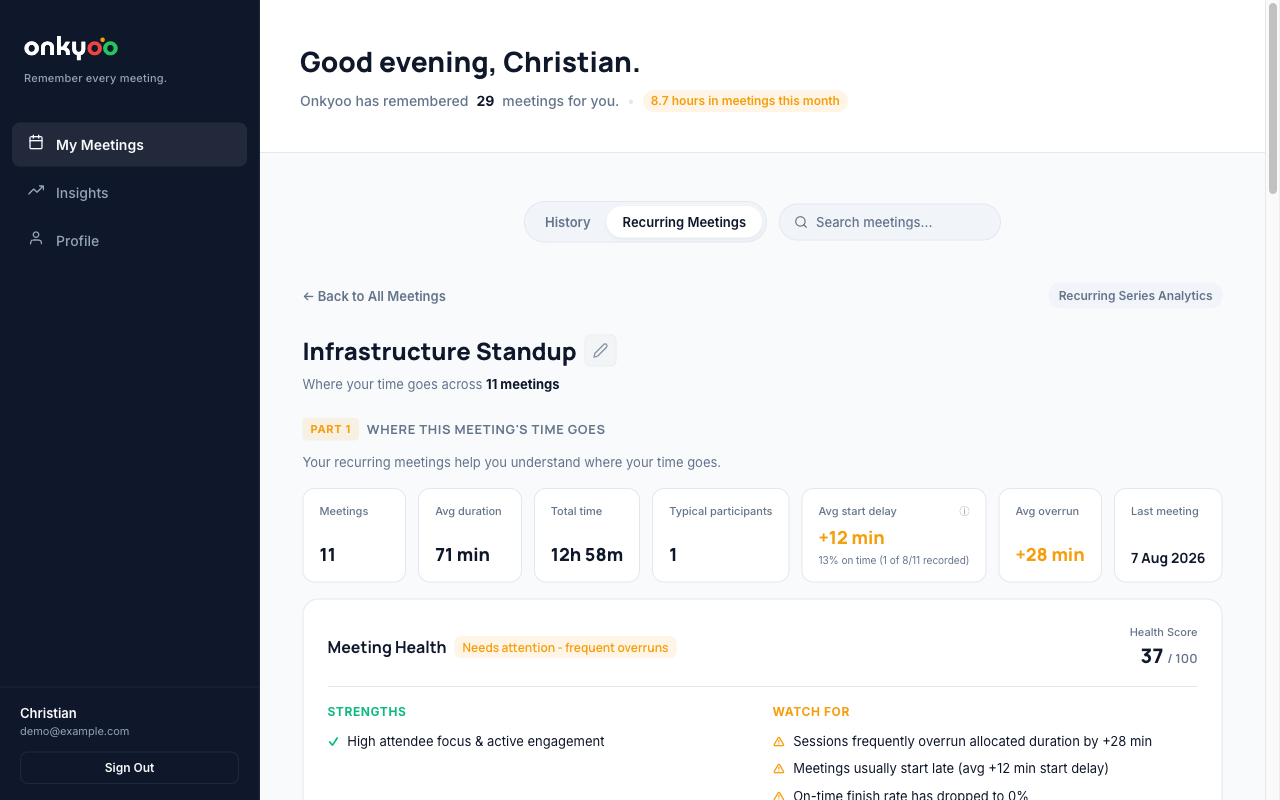
Every meeting you track is remembered and grouped, so the totals build themselves. Patterns appear once you have a handful of meetings recorded.
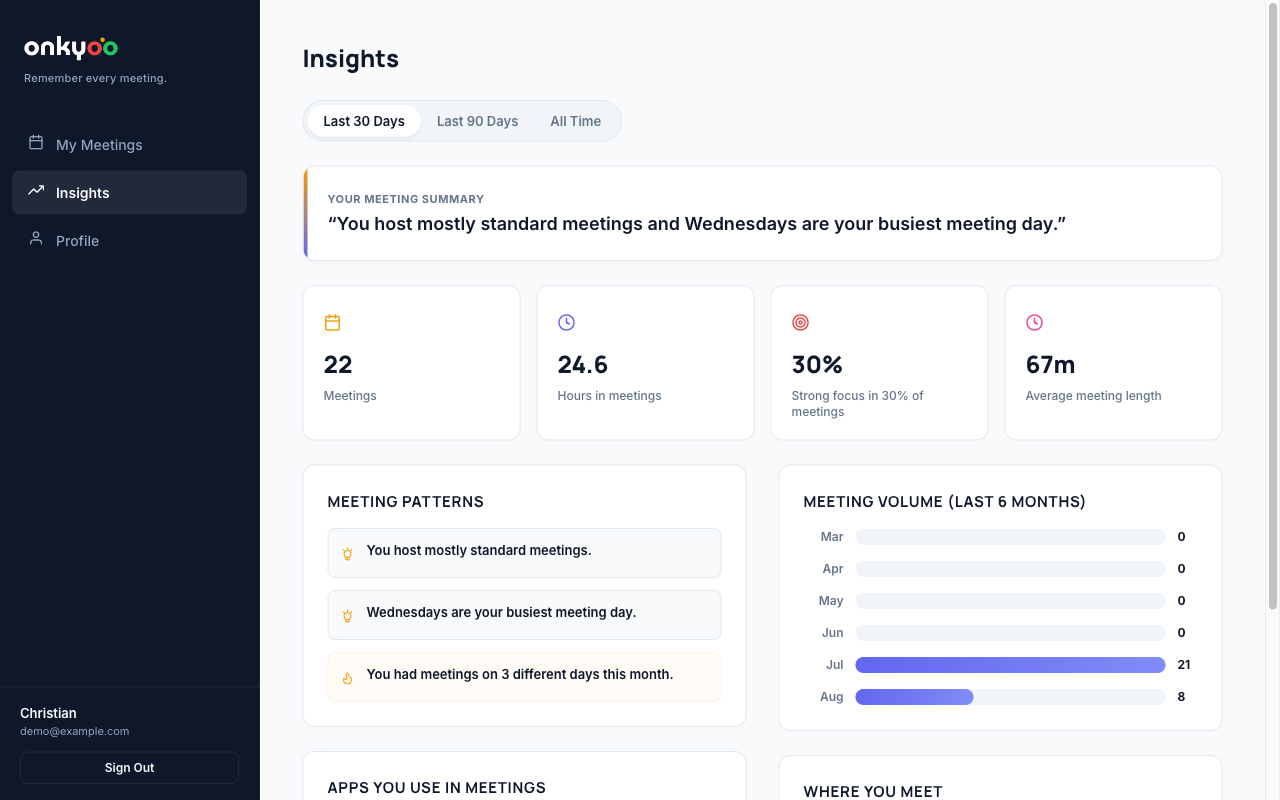
Tracking works immediately, no sign-up. Create a free account to keep your history, see long-term patterns, and export your data whenever you want.
During the meeting
A live timer on the meeting page, so you always know where you are.
Quiet nudges at the milestones you choose, either by percentage or by minutes left.
Overruns are recorded and not just felt, so you can see which meetings always run long.
Features
A live progress bar on the meeting page showing time elapsed and time remaining.
Nudges at 25/50/75%, in the final minutes, or at custom times you set yourself.
Every tracked meeting is remembered, with duration, platform and overrun.
Onkyoo spots repeat meetings and groups them automatically, with averages over time.
Set the wall-clock time the meeting has to end. The bar counts down to that moment.
A free account saves your meetings. Export everything as JSON, or delete it, whenever you like.
What was covered, how long it took, and anything parked for later.
Works in the browser on all three. Nothing to install beyond the extension.
For teams
Onkyoo also works as a shared timer. Share your session code and everyone sees the same agenda, progress bar and timing alerts, so nobody has to interrupt to ask how long is left.
Give each topic a time budget. Everyone sees which topic you're on and how much time it has.
Share a short code. Guests join the shared timer without creating an account.
When a topic runs over, Onkyoo prompts the host to extend it, finish it, or park it.
Link a document, design file or code review and the timer follows the session there.
Start tracking where it goes.
Free. Works with Google Meet, Zoom and Teams.